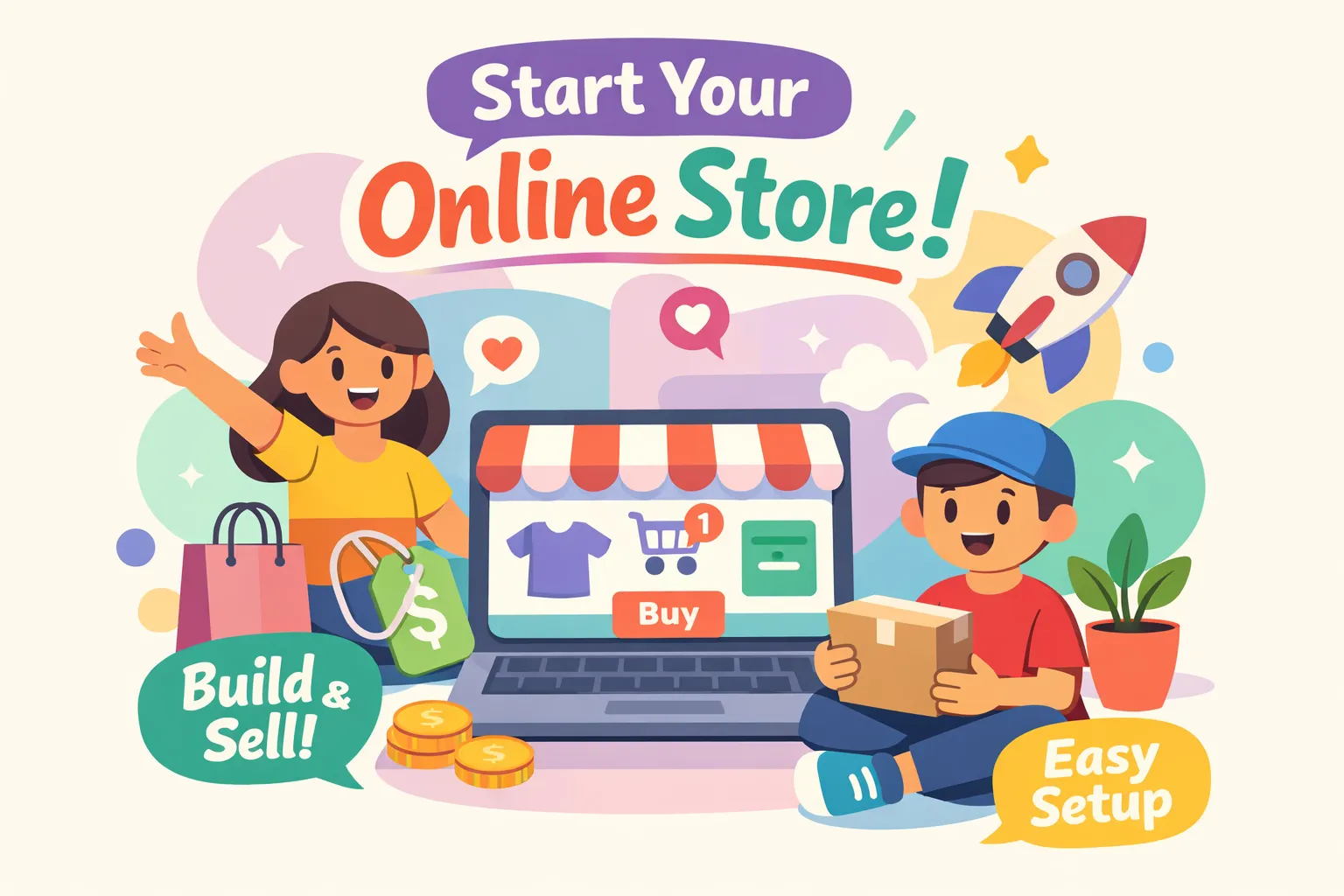
Most people think starting an online store requires technical skills, serious capital, or months of planning. It doesn’t. This ecommerce for beginners guide walks you through the five stages that take you from zero to your first sale, without quitting your job or hiring a developer. Whether you have $500 or $2,000 to start, there’s a model that fits your budget and schedule. From picking the right approach to making that first sale, it’s more achievable than most people expect.
At After Clockout, we’ve seen people, working adults, stay-at-home parents, and total beginners alike, go from zero to their first online sale by following a focused, stage-by-stage process. This guide reflects exactly that approach. No fluff, no theory, just the five stages that actually move you forward.
Ecommerce for Beginners: Choosing the Right Model for Your Situation
Before you register a domain or browse themes, you need to decide how your store will actually work. The four main models are dropshipping, marketplace selling, wholesale, and private label. Each has a different risk profile, and choosing the wrong one for your budget and timeline is one of the fastest ways to stall out before you ever get started.
Dropshipping and marketplace selling are the natural entry points for most beginners. With dropshipping, you never hold inventory. Your supplier ships directly to the customer when an order comes in, which means your upfront costs stay low and you can test products without committing to stock. Marketplace selling, listing products on Amazon, Etsy, or eBay, gives you instant access to a built-in audience without building a standalone site from scratch. The tradeoffs are real: margins are thinner, you have limited control over branding, and competition on popular platforms is fierce. But for a beginner with under $1,000 to spend, these two models remove the biggest financial barriers.
Private label and wholesale are the next level, not the starting point. Private label means you brand a product manufactured by a third party and sell it under your own name. It gives you more control and higher margins, but startup costs are significantly higher and you’ll need cash flow before you can reinvest. Wholesale requires buying inventory in bulk, which ties up capital and introduces storage logistics. Both models make sense once you’ve validated a product, built some revenue, and learned your customer inside out. Jumping straight to them as a beginner usually leads to expensive mistakes.
Here’s a simple decision framework: if your budget is under $1,000, start with dropshipping or a marketplace. If you have $1,500 or more and a clear brand vision, private label becomes a realistic option. Starting simple doesn’t mean staying simple. Your model can evolve once you have data, sales, and experience behind you.
How to Find and Validate a Product Idea Before Spending Anything
Most beginners either chase trending products everyone else is already selling, or pick something they personally love without checking whether anyone else wants to buy it. Neither works. Good product research starts with identifying real demand, not assumptions.
Your own frustrations and interests are genuinely useful starting points. If you’ve struggled to find a specific product and eventually discovered a niche solution, other people have the same problem. From there, look at what’s already selling. Browse Amazon bestseller lists, search Etsy for top-rated shops in a category you’re considering, and use Google Trends to confirm that interest in your idea is consistent rather than seasonal or declining. Free tools like AMZScout’s Sales Estimator, CamelCamelCamel, and AfterShip’s product research tool give you real data without spending a dollar. For a practical walkthrough on validating concepts before you invest, see this product idea validation guide.
The strongest validation signal is an actual payment, not a click or a like. Before you build anything, create a simple landing page describing your product and run a small ad test in the $15, $100 range. If people click through and express intent to buy, you have signal. If you can get even a few pre-orders, you have proof. Thirty customer discovery conversations, asking people directly about the problem you’re solving and whether they’d pay to fix it, will reveal more than weeks of spreadsheet research. You’re looking for consistent enthusiasm plus willingness to pay, not just interest.
Picking a Platform and Knowing What You’ll Actually Spend
Shopify, WooCommerce, and marketplace platforms each serve a different type of beginner. Shopify is the easiest all-in-one solution for a standalone store. The interface is clean, no coding knowledge is required, and Shopify currently offers a $1 trial for the first month on their Basic plan, which runs $39 per month after that. WooCommerce is a free plugin that sits on top of a WordPress site, which lowers the monthly cost but introduces more technical setup work. It’s a solid option if you’re already comfortable with WordPress, but for a true beginner with no technical background, it adds friction you don’t need early on.
Marketplace platforms like Etsy and Amazon eliminate site-building entirely. You get immediate access to millions of shoppers, but fees cut into your margins and your ability to build a brand is limited. For a handmade or vintage product, Etsy is hard to beat as a starting point. For physical products in competitive categories, Amazon requires more strategy and a larger budget. If you’re building a standalone brand, Shopify is the cleaner choice.
On the cost side, a dropshipping store typically runs $500, $2,000 to launch, covering your domain, platform subscription, a basic theme, and your first round of ad testing. An inventory-based store jumps to $2,000, $4,000 once you account for product sampling and a small initial stock. Monthly ongoing costs include your platform fee ($29, $39), a handful of apps ($0, $80 depending on what you install), and an ad budget of $200 or more to generate early traffic. After Clockout’s platform comparisons and tool reviews break down these costs in detail so you don’t get caught off guard by unexpected expenses mid-launch. For industry estimates on startup expenses, see this guide to how much it costs to start an e-commerce business.
Ecommerce for Beginners: Setting Up Your Store From Scratch
A common beginner mistake is spending weeks trying to build the perfect store before launching. You don’t need perfect. You need functional, clean, and trustworthy. On day one, your store should have five core pages: a homepage, product pages, an About page, a Contact page, and policy pages covering returns, shipping, and privacy. That’s it. A lean store that loads quickly and communicates clearly is likely to convert better than an elaborate twelve-page build that took three months to finish.
If you’re on Shopify, work through the setup in this order:
- Gather your brand assets, logo, product photos, and brand colors
- Select a theme from the free library
- Add product listings with clear descriptions and pricing
- Configure payment processing
- Connect your domain
Before you go live, check your store on a phone. A large share of online shoppers browse on mobile, and a store that looks broken on a small screen costs you sales before you even realize it.
A focused three-week timeline makes this achievable without quitting your day job. Week one covers niche research, domain registration, platform signup, and getting your first 10, 20 products added. Week two is for completing all store pages, setting up payment processing, installing basic apps like an email capture tool and a review widget, and testing the checkout from start to finish. Week three is your soft launch: share the store with your personal network, collect feedback, fix friction points in the buying process, and run your first small ad tests. Four to six hours per day during this window is enough to hit that deadline.
Marketing Tactics That Actually Drive Your First Sale
Paid ads should not be your first move. Before you spend anything on advertising, work your existing network. Send the store link to people who match your target customer with a 10, 15% discount code attached. Post on the social platforms where your audience already spends time, and focus on authentic content rather than polished ads. Behind-the-scenes posts, product demos, and honest “here’s what I built” updates consistently outperform promotional content for stores with no existing social proof. For tips on writing headlines for that content, see our post on crafting captivating headlines.
Email capture should start before launch, not after. Set up a pop-up offering a discount in exchange for an email address and activate it the moment your store goes live. According to research from Litmus, email marketing delivers up to $36 in return for every $1 spent, making it the highest-ROI channel available to a new store. A list of 50, 100 targeted subscribers can drive consistent early sales before your SEO has had time to build. Follow up with buyers 7, 10 days after purchase to ask for a review, that social proof speeds up the trust-building process for every future customer who lands on your product page.
When you’re ready to add paid ads, start small and stay specific. A daily budget of $15, $30 on Facebook or Instagram targeting a narrow, well-defined audience is enough to test whether your offer converts. Use ads to amplify what your free tactics already show is working, not to discover demand from scratch. Check performance weekly and cut anything that isn’t converting within five to seven days. Keeping ad spend tight early on protects your budget while you learn what your customers actually respond to.
Your Starting Point, Not Your Ceiling
This five-stage ecommerce for beginners roadmap comes down to five moves: pick a model that fits your budget, validate a product before you build, choose a platform that matches your technical comfort level, set up a lean store in three weeks, and market to your first customer using free tactics before adding paid ads. None of these steps require you to quit your job, hire a developer, or take on financial risk you can’t afford.
The goal right now isn’t a six-figure store. It’s your first sale, because that first transaction proves the model works and gives you the momentum to keep going. Start with the simplest version, get a sale, and then iterate. The stores doing seven figures today have transaction records that started with a single order.
After Clockout exists specifically to help people at this stage, with platform reviews, tool comparisons, cost breakdowns, and step-by-step launch guides built for people building businesses after hours. When you’re ready to go deeper on any part of this ecommerce for beginners process, that’s exactly what you’ll find there.